 Rankzio
A Beginner's Guide to Google Search Console (2026 Edition)
By Rankzio Team • Updated June 7, 2026 • 15 min read
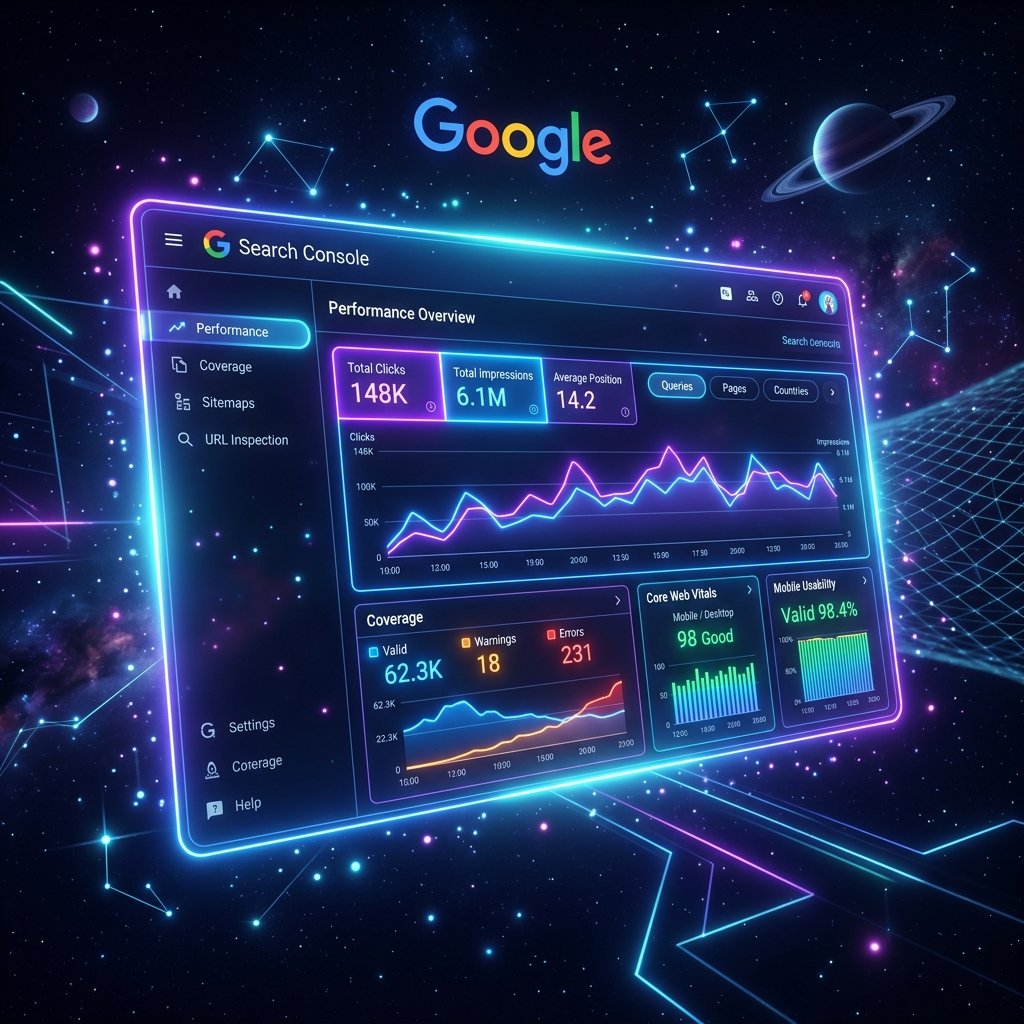
If you could only use one SEO tool for the rest of your life to manage your website's organic visibility, it should undoubtedly be Google Search Console (GSC). It is the only direct line of communication between you (the webmaster) and Google's search algorithms. Whether you are wondering how to use Google Search console for beginners in 2026 or simply want to know why your latest blog post isn't showing up on Google, this platform holds the answers.
In this comprehensive 1200+ word guide, we will walk you through the essential steps of setting up your account, understanding the crucial metrics within the performance report, fixing pesky indexing errors, and ensuring your technical SEO foundation is solid enough to outrank your competitors.
1. Setting Up and Verifying Your Domain Property
Before you can access any data, you have to prove to Google that you actually own the website. In 2026, there are two primary ways to add a property: Domain Level and URL Prefix.
- Domain Property Verification: This is the recommended method. It captures all data across all subdomains (like blog.yourdomain.com) and all protocols (http, https, www, non-www). You will need to verify this by adding a TXT record to your DNS provider (e.g., GoDaddy, Cloudflare, Namecheap).
- URL Prefix Verification: If you cannot access your DNS settings, you can use URL Prefix. You can verify via an HTML file upload, an HTML meta tag placed in your site's header, or through Google Analytics. Note that this only tracks the exact URL entered.
Once you have successfully verified ownership, Google will begin populating your dashboard with historical data. It usually takes 24 to 48 hours for the reports to become fully visible.
2. The Performance Report: Your Organic Traffic Goldmine
The centerpiece of any Google Search Console performance report tutorial is the Performance tab. This is where you see exactly how people are finding your website. There are four main metrics you need to understand:
- Total Clicks: How many times someone clicked your link in the search results.
- Total Impressions: How many times your link was shown in the search results (even if it wasn't clicked).
- Average CTR (Click-Through Rate): The percentage of impressions that resulted in a click. (Clicks ÷ Impressions x 100).
- Average Position: Where your website ranks on average for a specific query. Remember, page 1 is roughly positions 1-10.
Pro Tip for Beginners: Filter the report to show queries where your "Average Position" is between 11 and 20 (Page 2 of Google). These are "striking distance" keywords. By adding a bit more content to those specific pages or building a few internal links to them, you can easily push them onto Page 1 and see a massive spike in traffic.
3. How to Fix Google Search Console Indexing Errors
Writing great content is useless if Google refuses to put it in their index. The "Pages" (formerly Coverage) report is where you diagnose technical issues. Learning how to fix Google Search Console indexing errors is a required skill for any SEO.
Common Indexing Statuses Explained:
- Discovered - currently not indexed: Google found the URL but hasn't had the crawl budget or time to scan it yet. This is common for newer or larger websites.
- Crawled - currently not indexed: This is a red flag. Google read the page but decided it wasn't high quality enough to include in the search results. You need to improve the content or check for duplicate content issues.
- Not found (404): The page was deleted or the URL changed. If the page was important and had backlinks, set up a 301 redirect. Otherwise, let it 404 naturally.
- Excluded by 'noindex' tag: You have specifically told Google not to index this page via a meta tag. Ensure this is intentional!
To resolve these, you can use Rankzio's SEO Analyzer to double-check your meta robots tags and ensure your pages are technically sound before requesting a re-crawl in GSC.
The URL Inspection Tool
At the top of GSC, there is a search bar. Paste any URL from your website into it. This is the URL Inspection Tool. It tells you exactly how Google sees that specific page. If you just published a new article and want it ranked fast, paste it here and click "Request Indexing."
4. Sitemaps: Providing a Roadmap to Googlebot
An XML sitemap is a file that lists all the important pages on your website. Under the "Index" section in GSC, click on "Sitemaps." Here, you should enter the URL of your sitemap (usually yoursite.com/sitemap.xml or yoursite.com/sitemap_index.xml if you use WordPress plugins like Yoast or RankMath).
Once submitted, Google will process it and tell you how many URLs it successfully discovered. If you see an error here, you must fix your sitemap immediately, as it severely impacts how quickly new content gets indexed.
5. Core Web Vitals and Page Experience
Since 2021, and continuing heavily into 2026, Google considers user experience a direct ranking factor. The "Core Web Vitals" report scores your site based on real-world user data (Chrome User Experience Report).
- LCP (Largest Contentful Paint): Measures loading performance. You want the largest element on your screen to load in under 2.5 seconds.
- INP (Interaction to Next Paint): Replaced FID. Measures responsiveness. A good INP is under 200 milliseconds.
- CLS (Cumulative Layout Shift): Measures visual stability. You don't want buttons jumping around as the page loads. A good score is under 0.1.
If you see red "Poor" URLs in this report, your rankings are likely being suppressed. You might need to compress images, utilize a CDN, or minify your CSS/JavaScript.
6. Security Issues and Manual Actions
Hopefully, you never have to visit this section. The "Security & Manual Actions" tab acts as your website's emergency alarm.
Manual Actions: If a human reviewer at Google determines that your site violates Google's spam policies (e.g., you bought toxic backlinks, or have auto-generated spam content), they will issue a manual penalty here. Your rankings will drop dramatically until you fix the issue and submit a "Reconsideration Request."
Security Issues: If your website gets hacked, infected with malware, or starts displaying deceptive phishing pages, Google will flag it here. They will also put a massive red warning screen in front of users trying to access your site from Chrome. Always keep an eye on this tab to ensure your site's integrity remains uncompromised.
Conclusion: Make GSC a Weekly Habit
Google Search Console is the most authentic, unfiltered view into your website's SEO health. While third-party keyword tools are great for estimates, GSC provides the absolute truth regarding your organic performance. By logging in weekly, monitoring your click-through rates, checking for new indexing errors, and keeping your Core Web Vitals in the green, you set yourself up for sustainable, long-term search dominance in 2026.